How to Check MahaRERA Registration Before Buying a Flat in Nagpur
Go to the MahaRERA portal (maharera.maharashtra.gov.in), open the registered-projects search, and enter the project's registration number — it starts with "P" followed by 11 digits, for example P50500027946. The project record shows the promoter, approved documents, apartment details and the completion date promised to MahaRERA. If a project has no registration number, or the details don't match what you were told, don't pay a booking amount.
Under the Real Estate (Regulation and Development) Act, 2016, most new residential projects in Maharashtra must be registered with MahaRERA before they can be advertised or sold. Checking that registration takes about five minutes and is the single most useful thing you can do before paying a booking amount.
Why MahaRERA registration matters
- It's mandatory for most projects. Projects on land larger than 500 sq m, or with more than eight apartments, must be registered before they are marketed or sold.
- The promises are on record. The developer files approved plans, title documents and a completion date with MahaRERA, and has to update progress. If things go wrong, buyers can file a complaint with MahaRERA.
- Ads must show it. Since 1 August 2023, MahaRERA has required project advertisements to display the registration number along with a QR code that links to the project's record.
- Agents must be registered too. Real estate agents who sell registered projects need their own MahaRERA agent registration — it's fair to ask any agent, including us, for theirs.
Step-by-step: check a project
- Get the registration number. It should be on the brochure, website and every ad, and starts with "P" (for project) followed by 11 digits. You can also scan the QR code on an ad.
- Open the MahaRERA portal at maharera.maharashtra.gov.in.
- Find the registered-projects search. On the portal this is listed under the projects or home-buyers section. Search by registration number for an exact match — you can also filter by district (Nagpur) or pincode.
- Open the project record from the results and view its details. Some records open the original application on a separate page that asks you to enter a captcha.
- Download and save the key documents (see below) so you can compare them with the agreement for sale later.
The portal's menus change from time to time. If you can't find the search, look for "Registered Projects" or "Project Search", or call us and we'll walk you through it.
What to look at in the record
- Promoter details – does the developer's name match the brochure and the agreement? Check their past projects too.
- Proposed completion date – the date the developer has committed to MahaRERA. Compare it with the possession date you've been promised.
- Approvals – building plan approval, commencement certificate and layout approval should be uploaded.
- Title and encumbrances – the legal title report and any encumbrances (such as loans against the land).
- Apartment details – apartment types, carpet areas and numbers. Make sure the carpet area of your flat matches the agreement — RERA requires flats to be sold on carpet area.
- Litigation and complaints – any cases or complaints listed against the project or promoter.
Red flags
- No registration number, or a number that doesn't return this project.
- A promoter name, location or unit count that differs from what you were told.
- A completion date that has already passed with no extension on record.
- Pressure to pay a large booking amount before you've seen the agreement for sale.
- An ad with no registration number or QR code.
MahaRERA numbers for projects we list
Here are the registration numbers for the projects on our site, so you can check them yourself:
| Project | Area | MahaRERA no. | Possession / status |
|---|---|---|---|
| Supreme Avenue Towers | Besa | P50500055993 | 2028 |
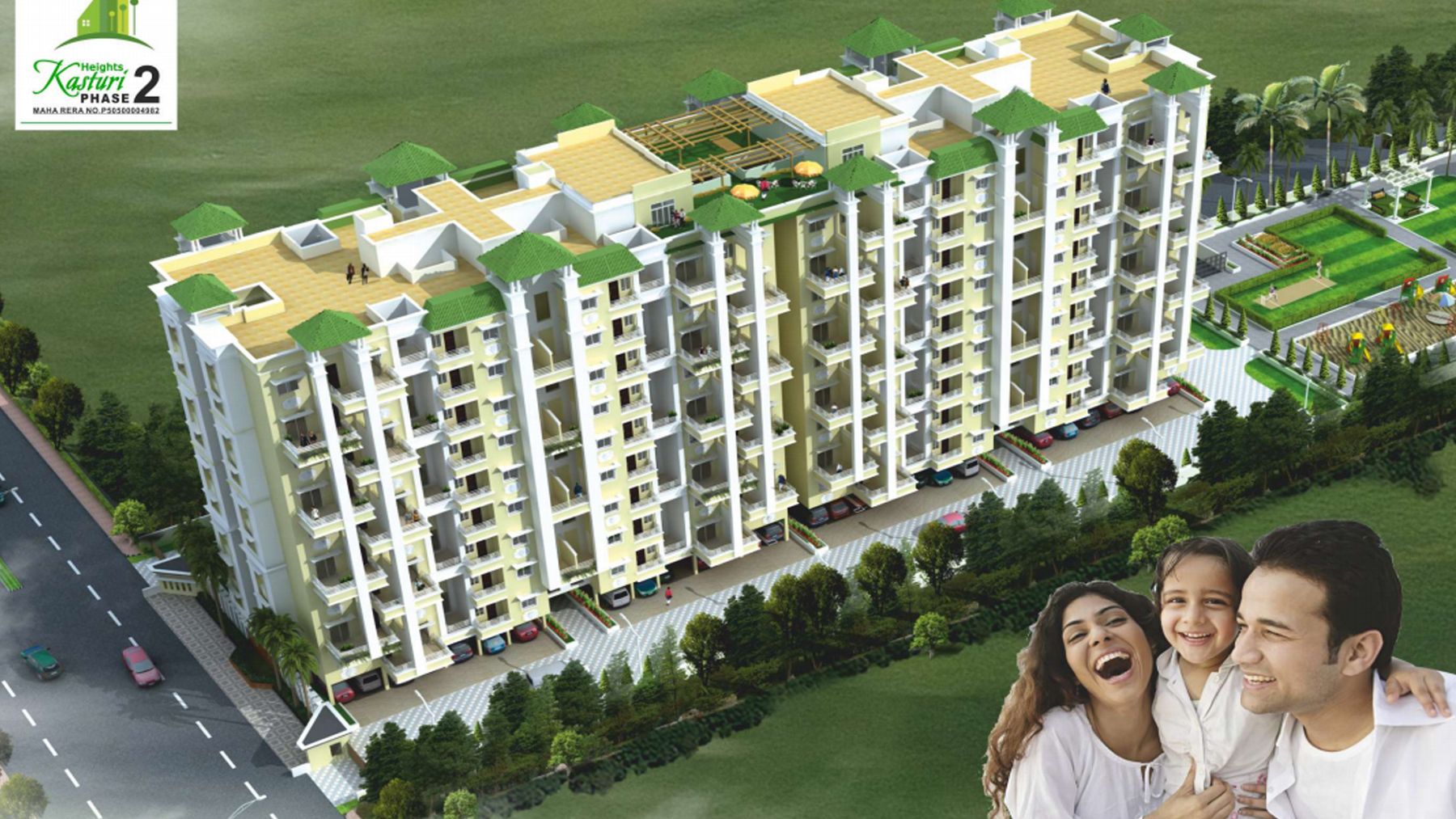
| Kasturi Heights | Wathoda | P50500004982 | Dec 2023 (as per RERA) |
| Kasturi Garden | Gotal Pajri | P50500021136 | — |
| Raj Homes | Gotal Pajri | P50500027946 | Jan 2026 (as per RERA) |
| Hakimi Flamingo Residency | Koradi Road | P50500051701 | Mar 2033 (as per RERA) |
| Oak Shantiniketan | Kamptee Road | Ask us — not yet shown | — |
| Harmony Residency | Besa | P50500054946 | Ready to move |
| Paradise Hills Phase II | Hingna Road | Ask us — not yet shown | — |
Questions about any of these? Contact us and we'll share the project's MahaRERA documents with you.
Frequently asked questions
How do I check if a project is registered with MahaRERA?
Visit maharera.maharashtra.gov.in, open the registered-projects search and enter the project's registration number (it starts with "P"). Open the project record to see the promoter, approvals and promised completion date.
Which projects need MahaRERA registration?
Residential projects on land larger than 500 sq m, or with more than eight apartments, must be registered with MahaRERA before they are advertised or sold.
What does a MahaRERA registration number look like?
Project registration numbers start with the letter P followed by 11 digits, for example P50500027946.
Do real estate ads in Maharashtra need a QR code?
Yes. Since 1 August 2023, MahaRERA has required advertisements for registered projects to show the registration number and a QR code linking to the project details.
What should I do if a project is not RERA registered?
Do not pay a booking amount. Ask the developer for the registration number in writing; if the project is required to be registered and isn't, you lose the protections the RERA Act provides.
Sources
- MahaRERA – official portal
- Housing.com – How to check project details on MahaRERA
- Housing.com – QR code mandatory in MahaRERA project ads from 1 Aug 2023
Rates and rules change. This guide is general information, not legal or tax advice — confirm current figures with the sub-registrar, your lender or a professional before you buy.